
The 3-2-1 backup rule: how to protect business data
Three copies, two devices, one copy off-site. We explain the 3-2-1 rule, why a single copy is not enough and how to protect backups from ransomware.
Vibika

Most companies start thinking seriously about backup only when something goes wrong: a server disk fails, an employee accidentally deletes the folder with the contracts, or ransomware locks every document on the network. That is when it turns out that “we have a backup” often means a single copy on an external disk sitting next to the computer, which nobody has checked in months.
The 3-2-1 rule is a simple and widely accepted framework that helps avoid this. It is not tied to any particular vendor or product, so it can be applied in a small office just as well as in a company with several locations.
What 3-2-1 means
The American cybersecurity agency CISA describes the rule like this:
-
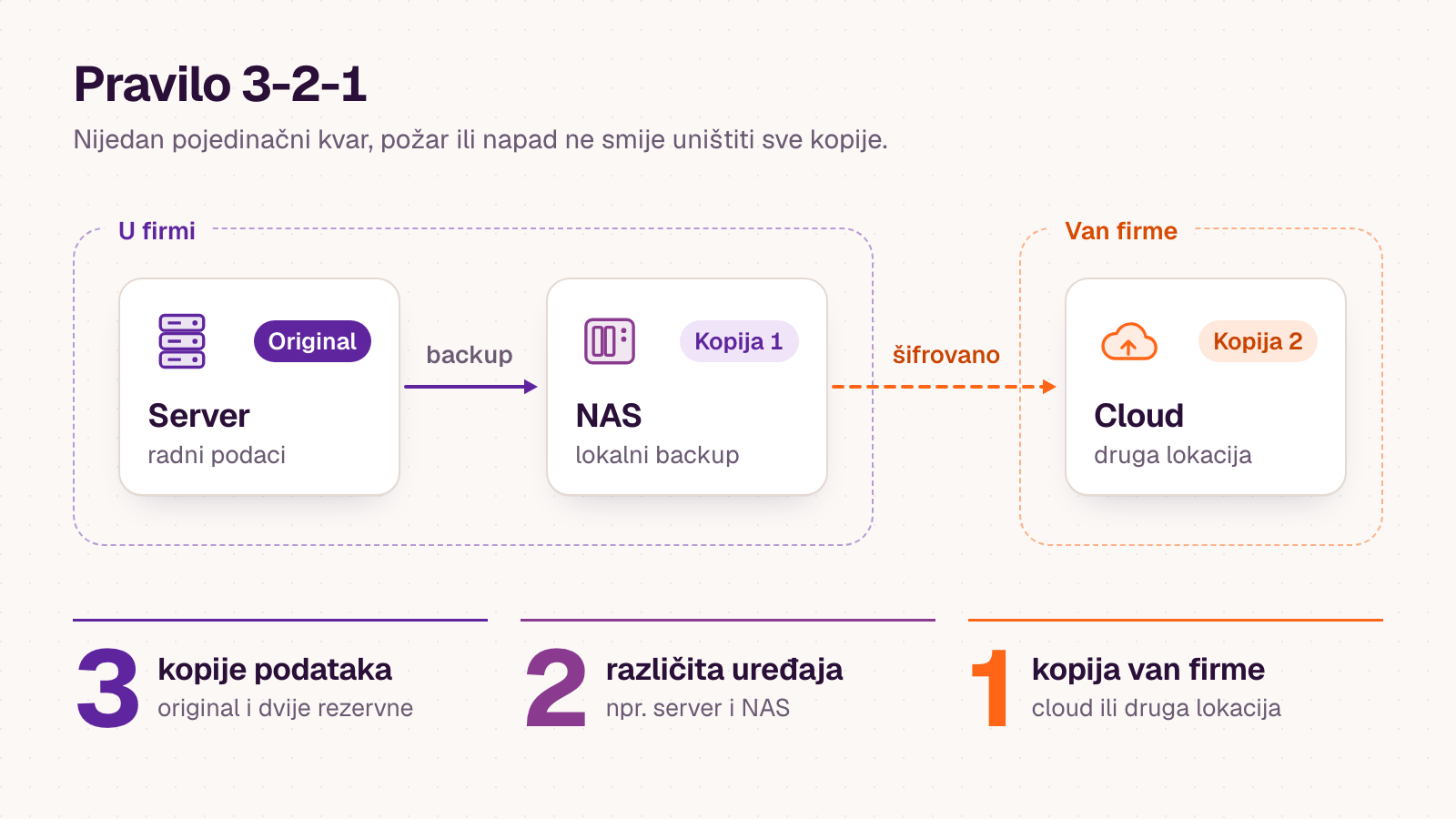
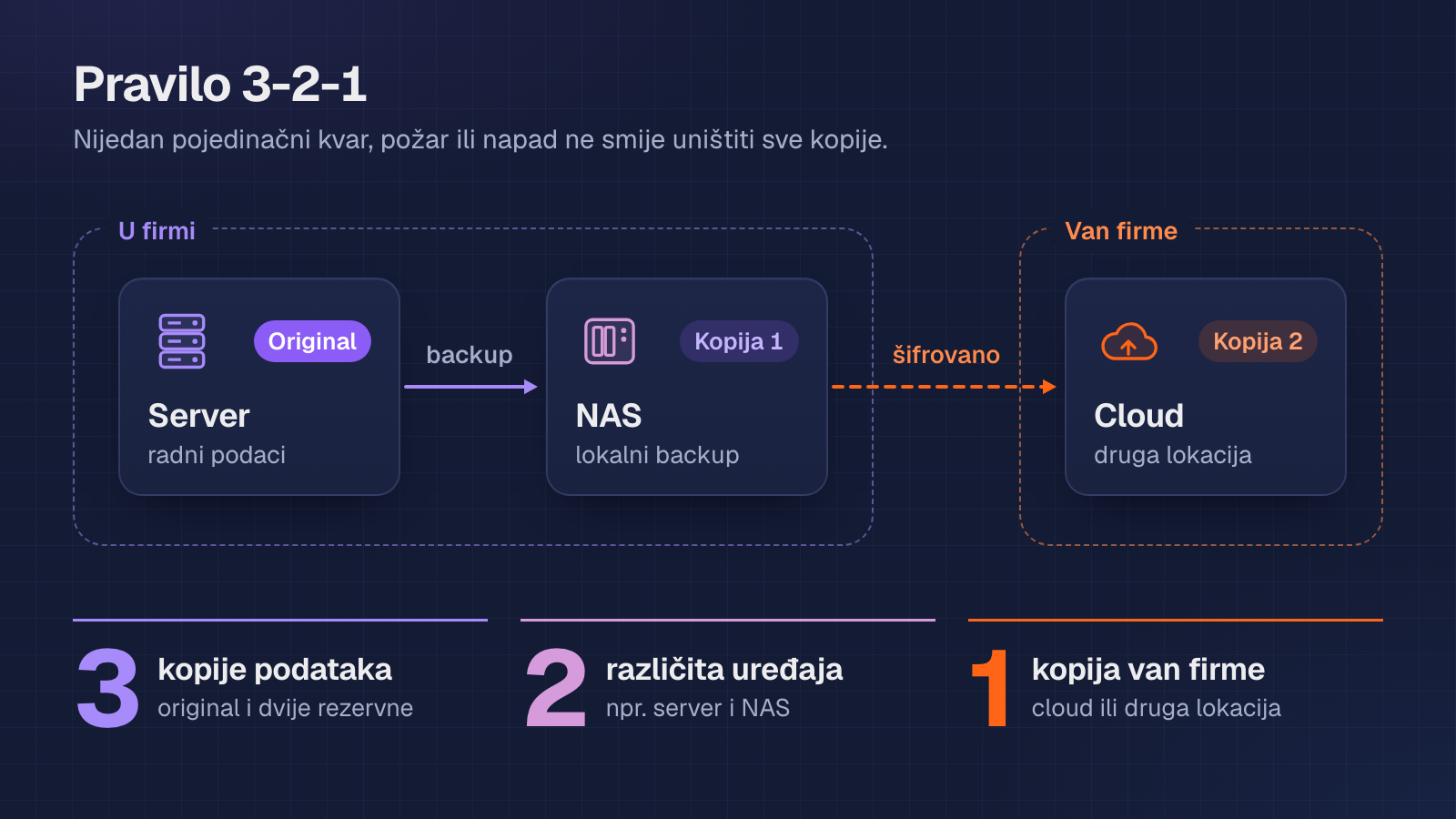
3 copies of every important file: the original and two backup copies;
-
2 different media or devices, so that one failure or one kind of problem cannot destroy all the copies;
-
1 copy off-site, that is, outside the business premises.
The idea is that no single event can destroy all copies of the data at once. A disk failure hits one device. Fire, flood or theft hits one location. An employee’s mistake or an attack usually hits whatever is reachable on the network at that moment.
Today, “two media” is in practice most often read as two separate devices or systems, for example a server and a NAS, not necessarily two different technologies such as disk and tape.
Why one copy is not enough
An external disk that is permanently connected to a computer or server shares the fate of that computer. If ransomware encrypts the data, it will very likely also encrypt everything it can see on the attached disk. The same goes for network folders mapped on workstations.
Likewise, a copy kept in the same office does not help in case of fire or burglary. That is why the third, off-site copy is an essential part of the rule, not an add-on.
What 3-2-1 looks like in a small company
One realistic, not overly expensive arrangement could look like this:
-
The original – the data on the server or on the work computers.
-
A local copy – a regular automatic backup to a NAS device in the office. The local copy allows fast restores, because the data does not have to come down over the internet.
-
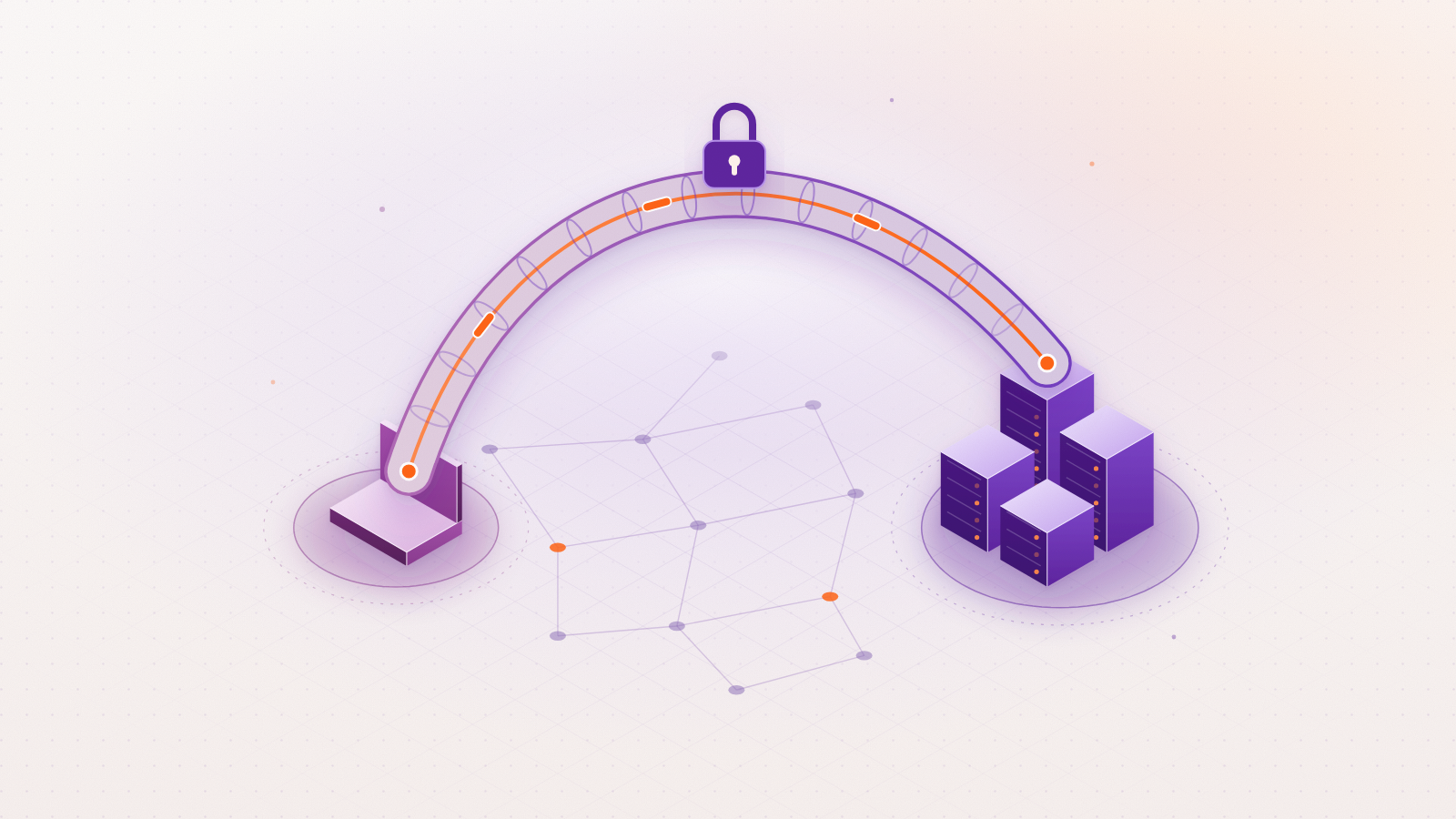
An off-site copy – a copy of the NAS or server sent to cloud storage or to another device at another location (for example, a branch office).
Many NAS devices have built-in tools for these scenarios. Synology, for example, offers snapshots on Btrfs volumes, and newer DSM systems also support immutable snapshots that cannot be deleted during the configured protection period, not even with an administrator account. That is useful extra protection against ransomware and accidental deletion.
Offline and immutable copies
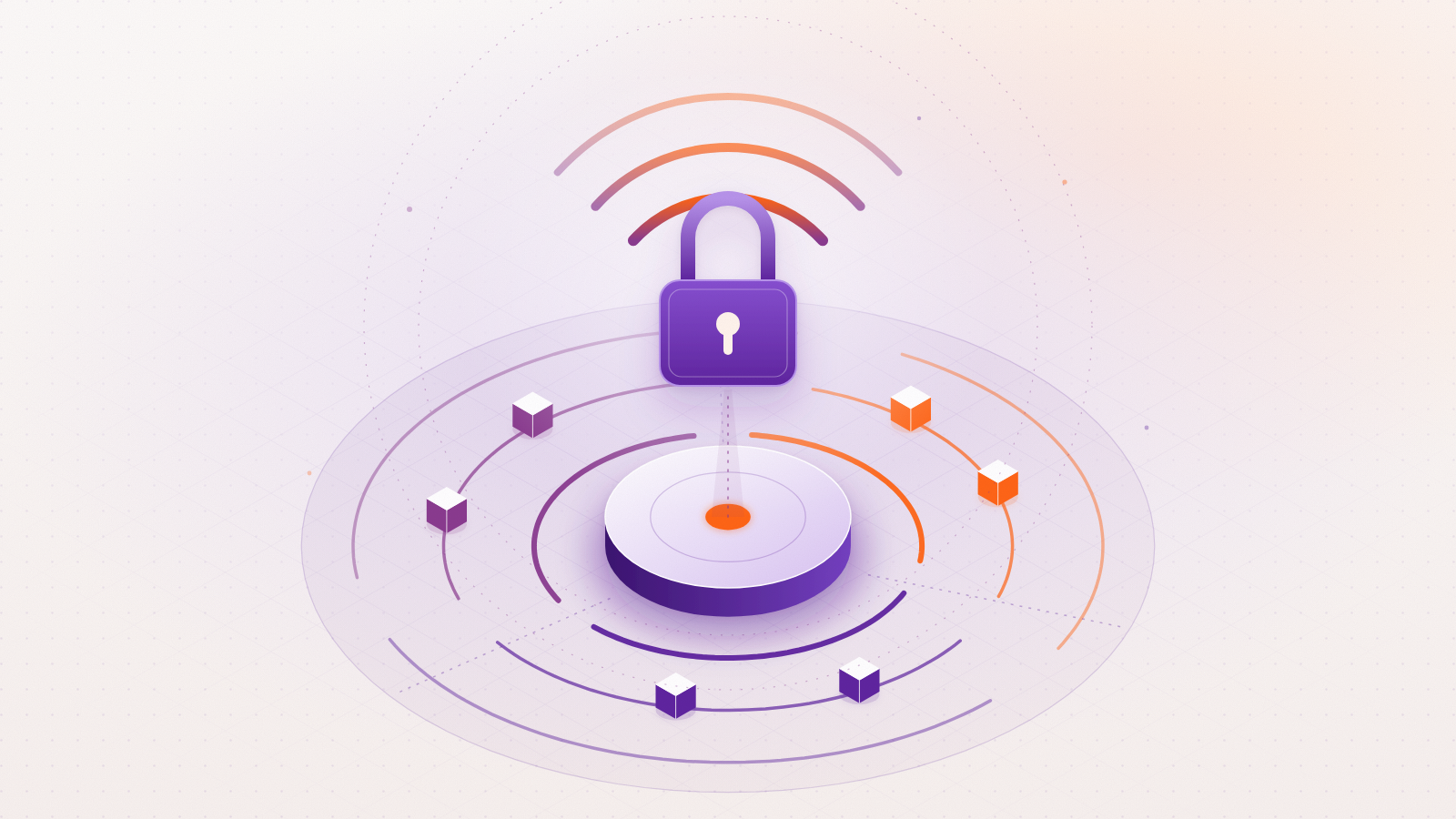
In its #StopRansomware guide, CISA recommends keeping offline, encrypted copies of critical data and regularly testing that those copies are available and usable in a recovery scenario. The reason is simple: attackers who gain access to a network often deliberately look for and delete backups before they start encrypting.
That is why the 3-2-1 rule is nowadays often extended:
-
at least one copy should be offline (physically or logically separated from the network) or immutable;
-
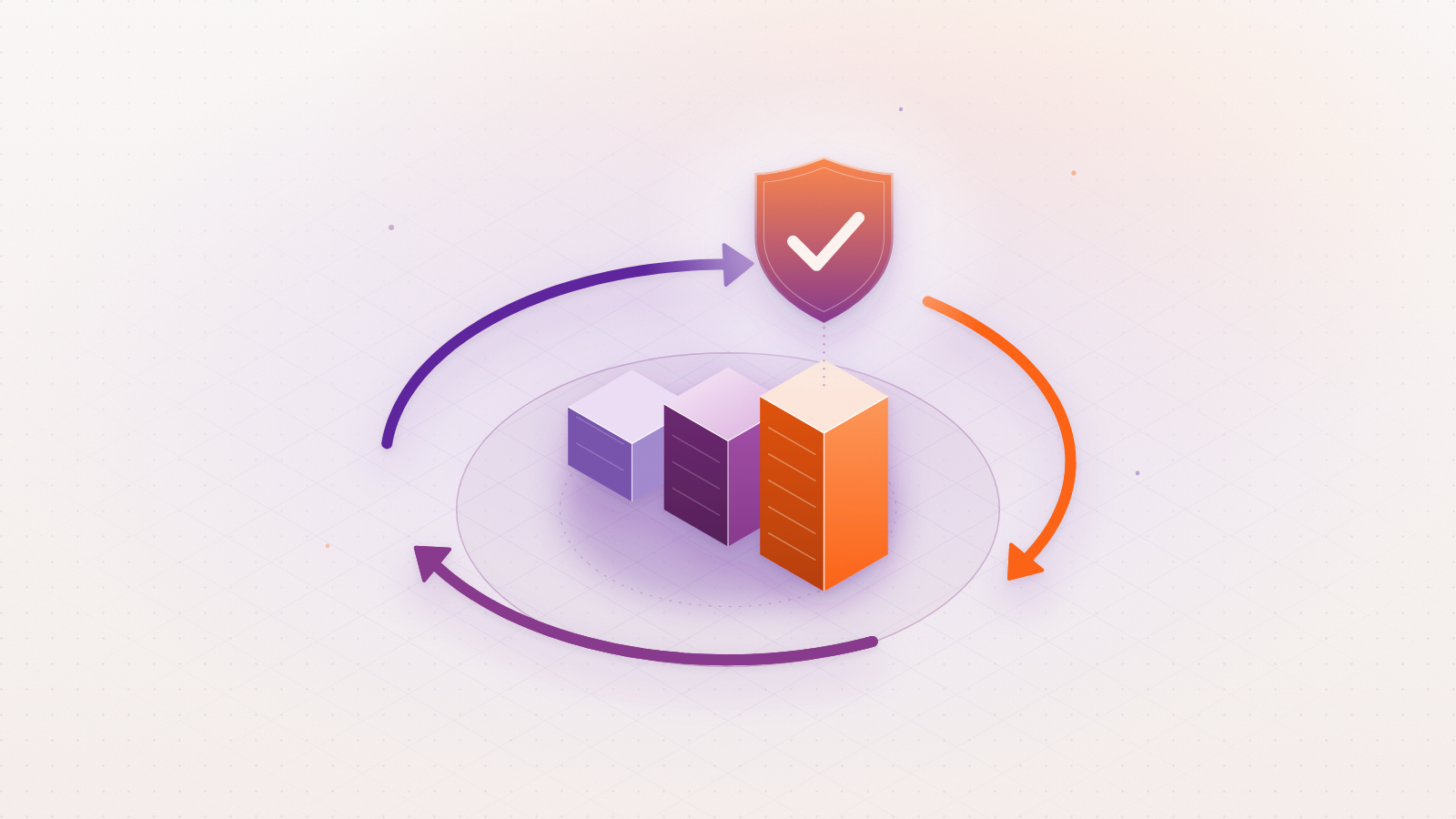
the backup must be verified, that is, restore without errors.
Hence variants such as “3-2-1-1-0”, where the extra one stands for an offline or immutable copy, and the zero for zero errors when testing restores.
Backup is not the same as sync
A common misconception is that file synchronisation services replace backup. Sync is great for working across devices, but it also propagates the changes you do not want: if a file is deleted or encrypted in one place, that change soon appears everywhere. A real backup keeps a history of versions and lets you go back to the state from a few days or weeks ago.
What should be covered
When planning backups it helps to make a list of what the company genuinely needs to keep working:
-
documents, contracts and project documentation;
-
the databases of business applications (accounting, records, orders);
-
e-mail, unless it is kept with a reliable cloud provider with its own protection;
-
the configurations of network equipment, servers and virtual machines;
-
the website and its database.
For each item it is worth answering two questions: how much data can the company afford to lose (for example, one day’s work), and how long can it operate without that system. The answers determine how often backups run and how restores are done.
Checklist
-
There are at least three copies of the important data.
-
The copies are on at least two separate devices or systems.
-
One copy is outside the business premises.
-
At least one copy is offline or immutable.
-
Backups run automatically, without relying on anyone’s memory.
-
Only authorised people can access the backup system, with separate accounts and strong passwords.
-
Notifications about failed backups reach someone who will read them.
-
Restores are tested from time to time on a real example.
-
There is a short written procedure for what to do in case of data loss.
The most important step: a restore test
A backup that has never been tested is just an assumption. It is enough to occasionally pick a few files or a whole virtual machine and check that they can be restored and that they are intact. Only then does the company really know how long it needs to get back to work after an incident.
How we can help
Planning, setting up and monitoring backups is part of our system and server administration service. If you would like to check whether your data really follows the 3-2-1 rule, send us an inquiry and we will arrange a short consultation.