

Working from home, staff out in the field, a branch office, or an accountant who needs access to a program in the office – all these situations raise the same question: how do you securely reach the company’s internal systems over the internet? The most common answer is a VPN. Below we explain what a VPN is, when it is genuinely needed and what to watch out for so it does not become a weak point.
What a VPN is
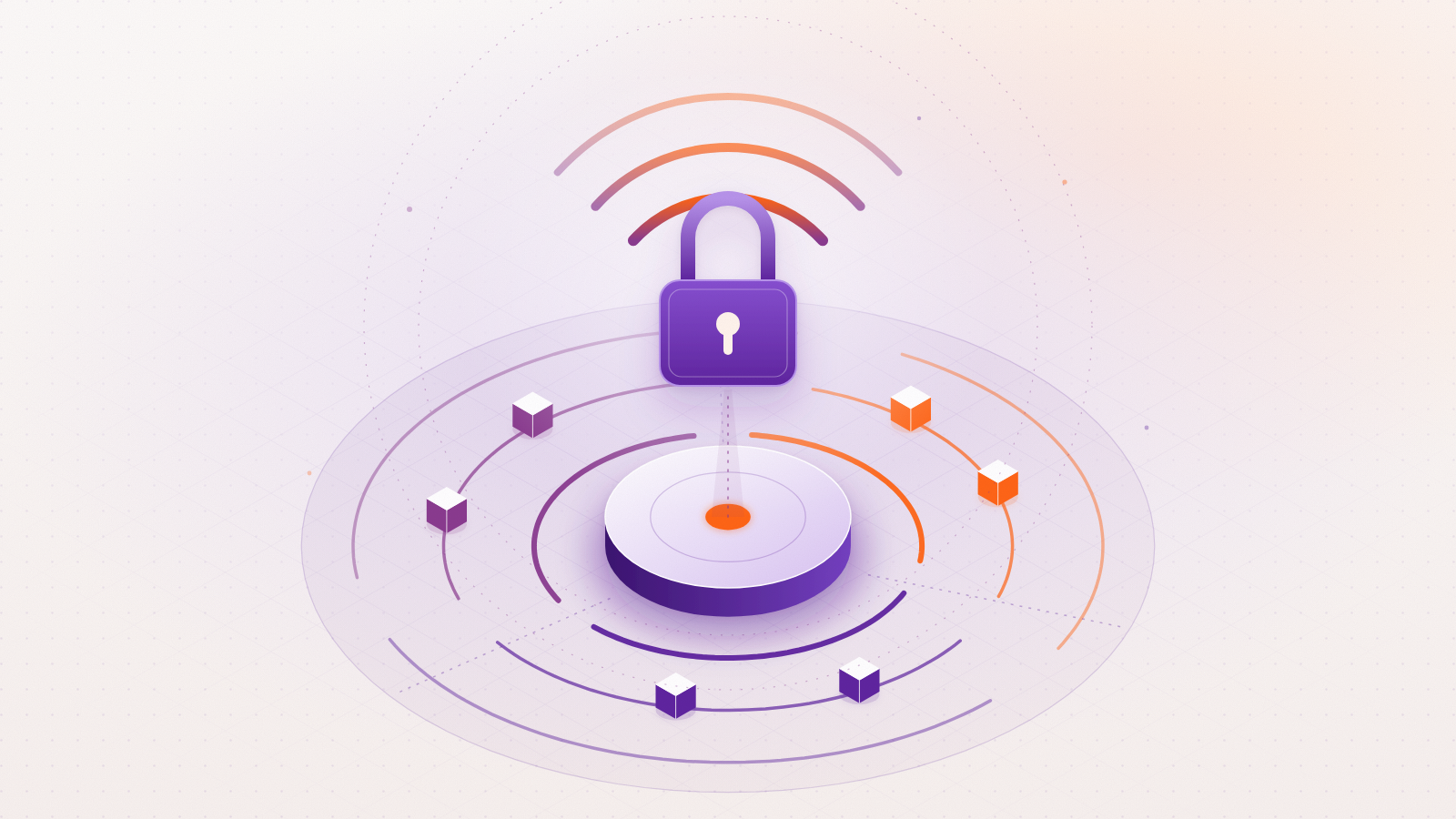
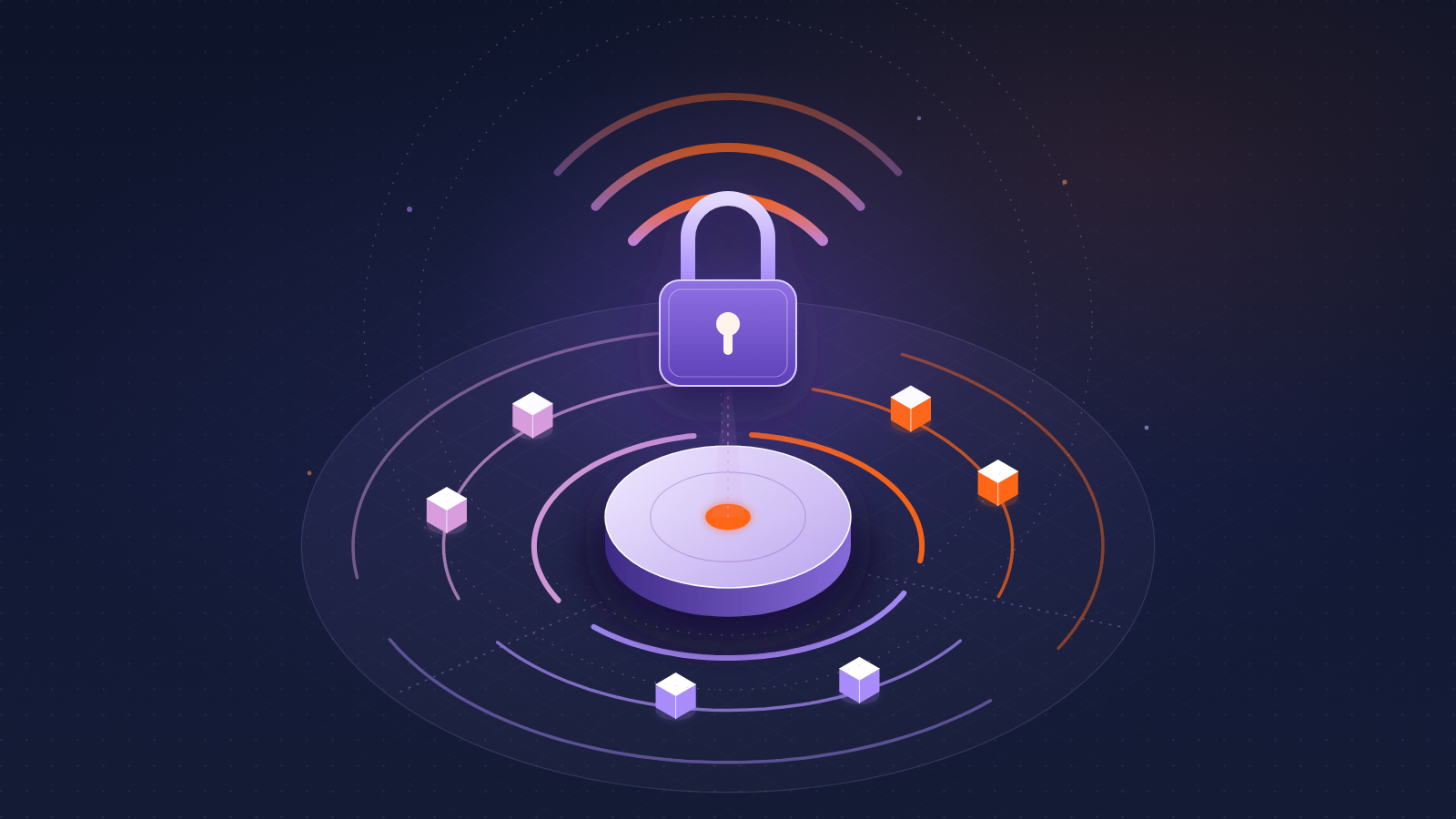
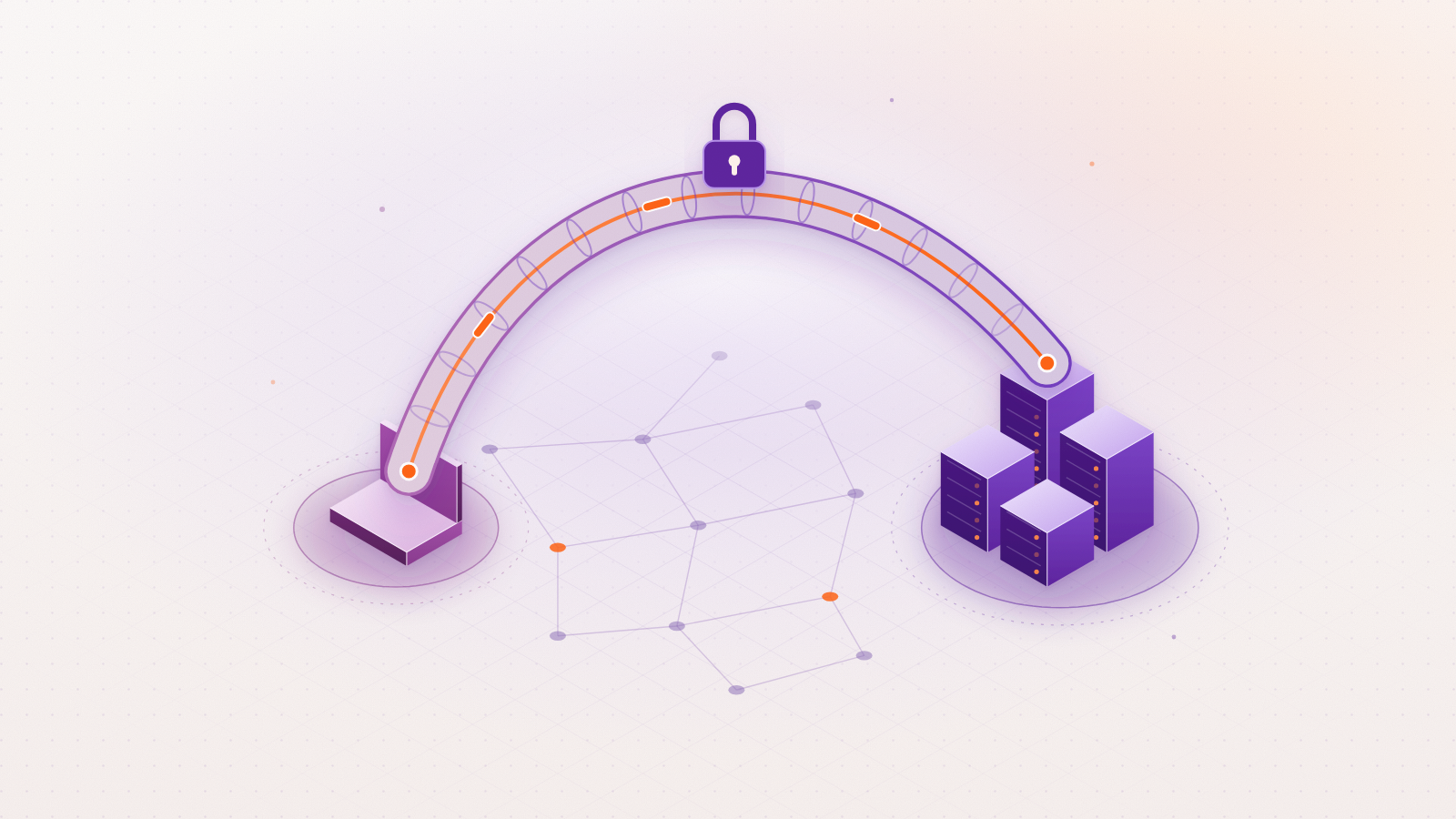
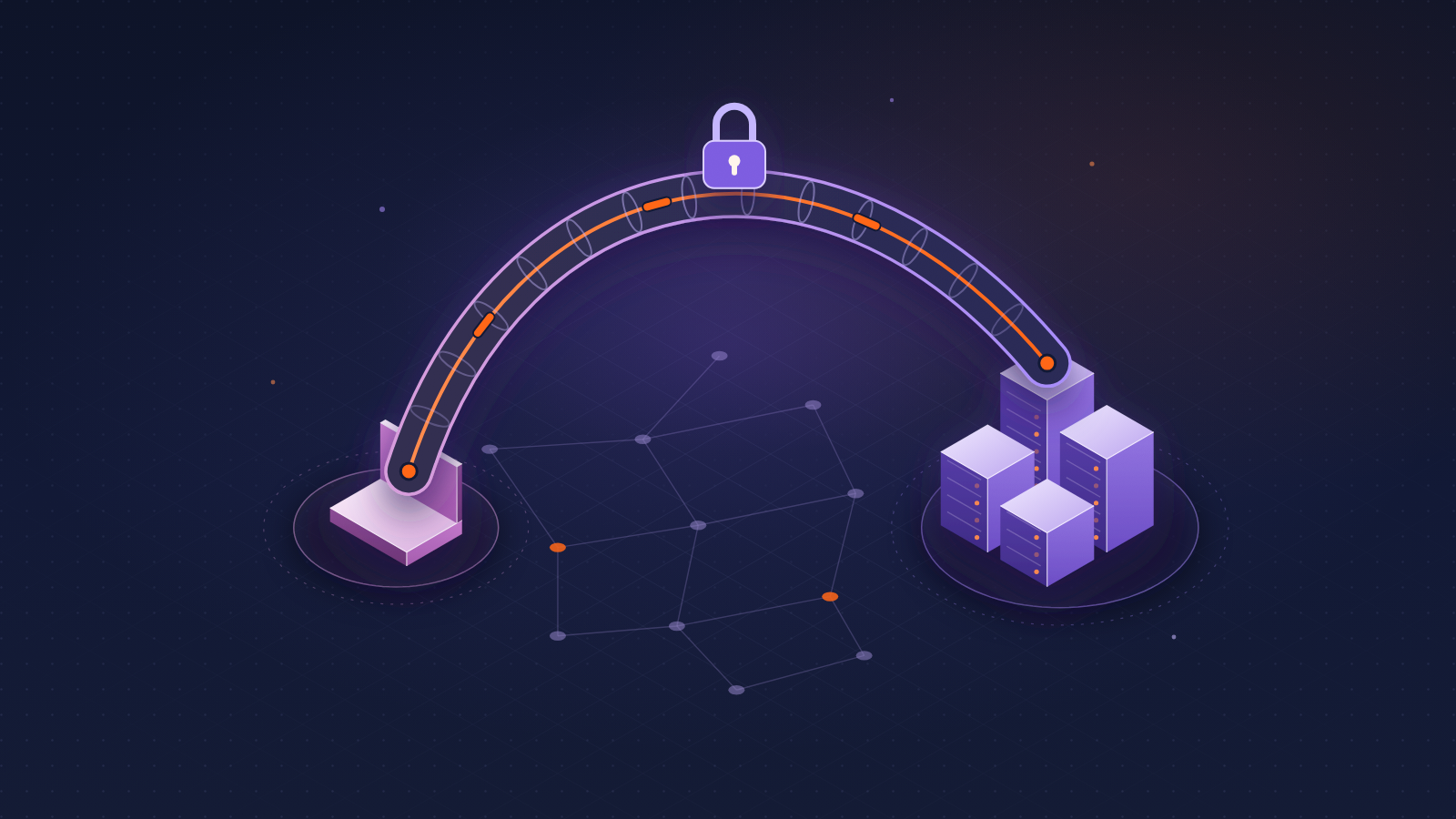
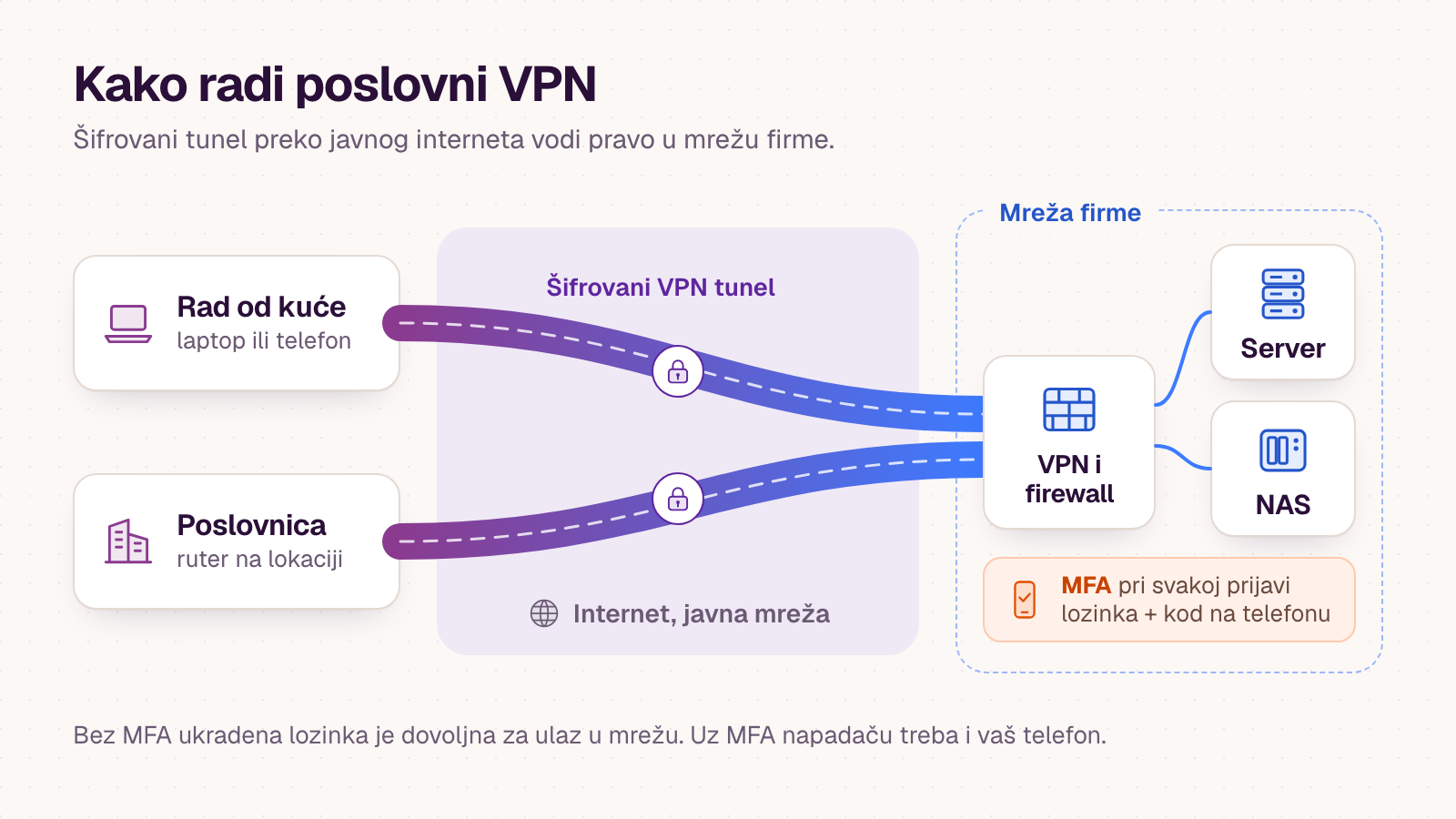
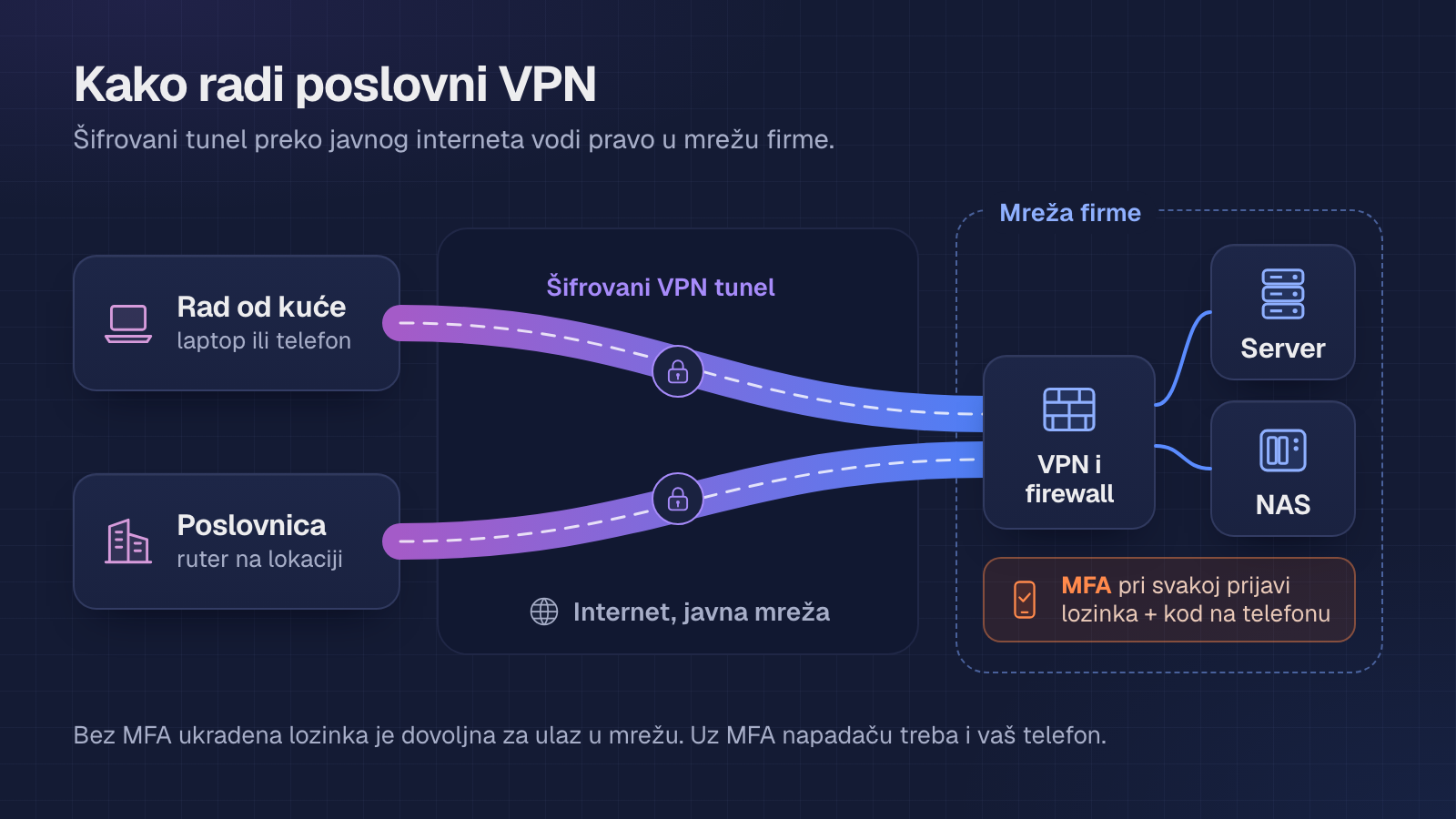
A VPN (Virtual Private Network) creates an encrypted tunnel across the public internet between a remote device and the company network, or between two networks. Traffic through the tunnel is protected from eavesdropping, and the remote user behaves as if plugged into the local network, within the rules the administrator sets.
It is important to distinguish a business VPN from the commercial “VPN apps” advertised for online privacy or for watching content from other countries. A business VPN exists to connect people and locations to your own network, not to hide where you are.
The two basic types
Remote access
An individual user on a laptop or phone connects to the company network. Typical examples are working from home, reaching shared folders on the NAS, or a business program that only runs in the office.
Site-to-site
Two or more locations, for example the head office and a branch or a warehouse, are permanently connected through their routers. Staff at the branch reach the server, printers or the phone system at the head office as if they were in the same building, with no special app on the computer.
When a small business needs a VPN
A VPN makes sense when:
-
employees need to reach internal resources (the server, the NAS, a business application) outside the office;
-
the company has several locations sharing the same systems;
-
an external contractor or administrator needs to maintain the systems remotely;
-
IP cameras, VoIP or other internal services need to be reachable outside the office without being exposed directly to the internet.
A VPN is not always necessary. If the company uses only cloud services (e-mail, documents, cloud accounting), remote access is handled at the level of those services, and there it is more important to switch on multi-factor authentication.
A VPN instead of open ports
A common practice in small companies is to “open a port” on the router to reach remote desktop (RDP), a camera or the NAS from outside. That is risky: the service is then visible to the whole internet, including the automated scanners that constantly look for vulnerable systems. In its #StopRansomware guide, CISA explicitly advises against exposing services such as RDP directly to the internet.
The better approach is to keep those services reachable only from inside, with remote users connecting through the VPN first.
Protocols: IPsec, WireGuard and others
For business VPNs, the most common choices today are:
-
IPsec (with IKEv2) – the long-standing standard supported by most routers and operating systems; NIST has a detailed guide to planning and deploying it (SP 800-77);
-
WireGuard – a newer, simpler protocol with modern cryptography, supported by MikroTik routers running RouterOS v7 as well as clients for Windows, macOS, iOS and Android;
-
OpenVPN and SSL/TLS VPN solutions – common on firewall appliances and commercial products.
In their joint guidance on selecting VPN solutions, the NSA and CISA advise choosing standards-based solutions from vendors that publish fixes for known vulnerabilities quickly, and avoiding weak cryptographic algorithms.
A VPN is only as useful as its protection
A VPN device is by definition reachable from the internet, so it has to be maintained carefully. The core recommendations from CISA and the NSA come down to this:
-
Multi-factor authentication (MFA) for all VPN connections. CISA advises that, where MFA is not possible, passwords of at least 15 characters be used;
-
Regular updates of the VPN device and routers, because vulnerabilities in VPN products are actively exploited;
-
Individual accounts for every user, no shared passwords, and prompt removal of access when someone leaves the company;
-
Least privilege – through the VPN, a user should see only what they need for their work, not the whole network;
-
Reducing the attack surface – switch off features and protocols that are not used;
-
Connection logging, so unusual sign-ins can be noticed.
Checklist
-
It is clear who needs remote access and to which systems.
-
Services such as RDP, cameras and the NAS are not directly exposed to the internet.
-
A standard, supported VPN protocol and modern cryptography are used.
-
Every user has their own account, with MFA where possible.
-
Firewall rules limit what VPN users can see.
-
The VPN device and routers are up to date.
-
There is a procedure for revoking access.
How we can help
Setting up a VPN for remote work and for connecting locations, together with firewall rules and network segmentation, is part of our network administration service. If you are considering remote access for employees or connecting branch offices, get in touch.