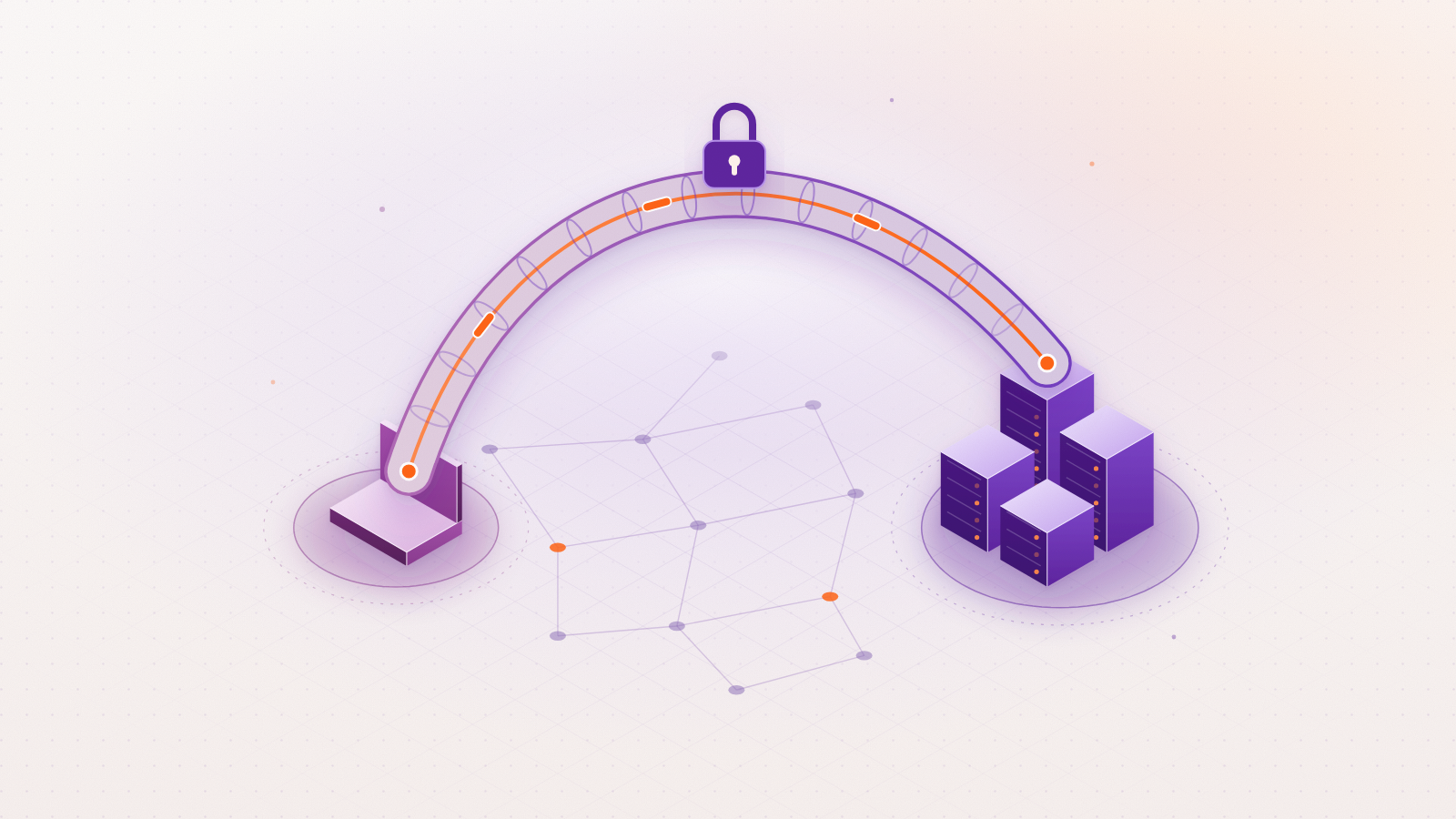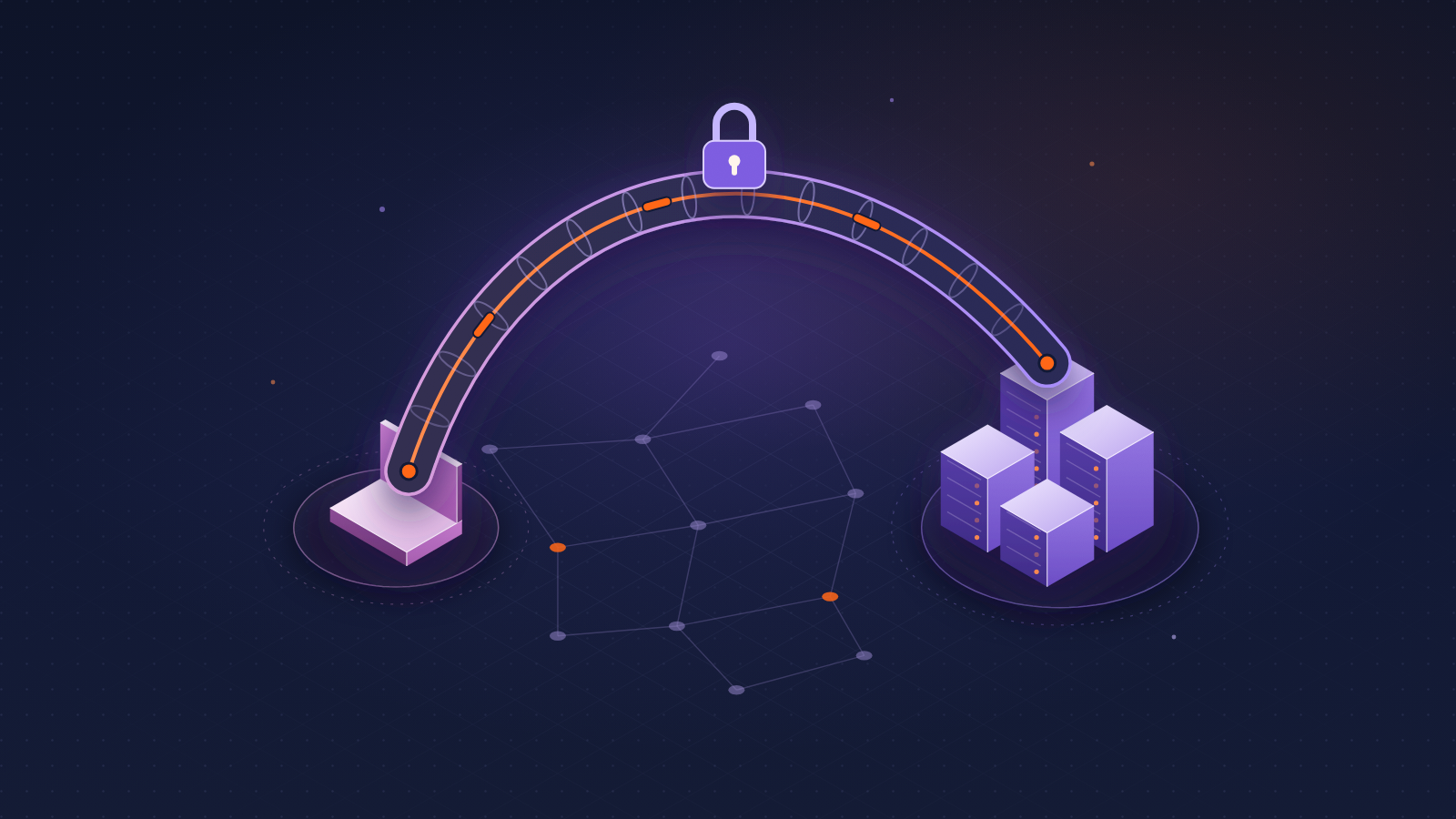


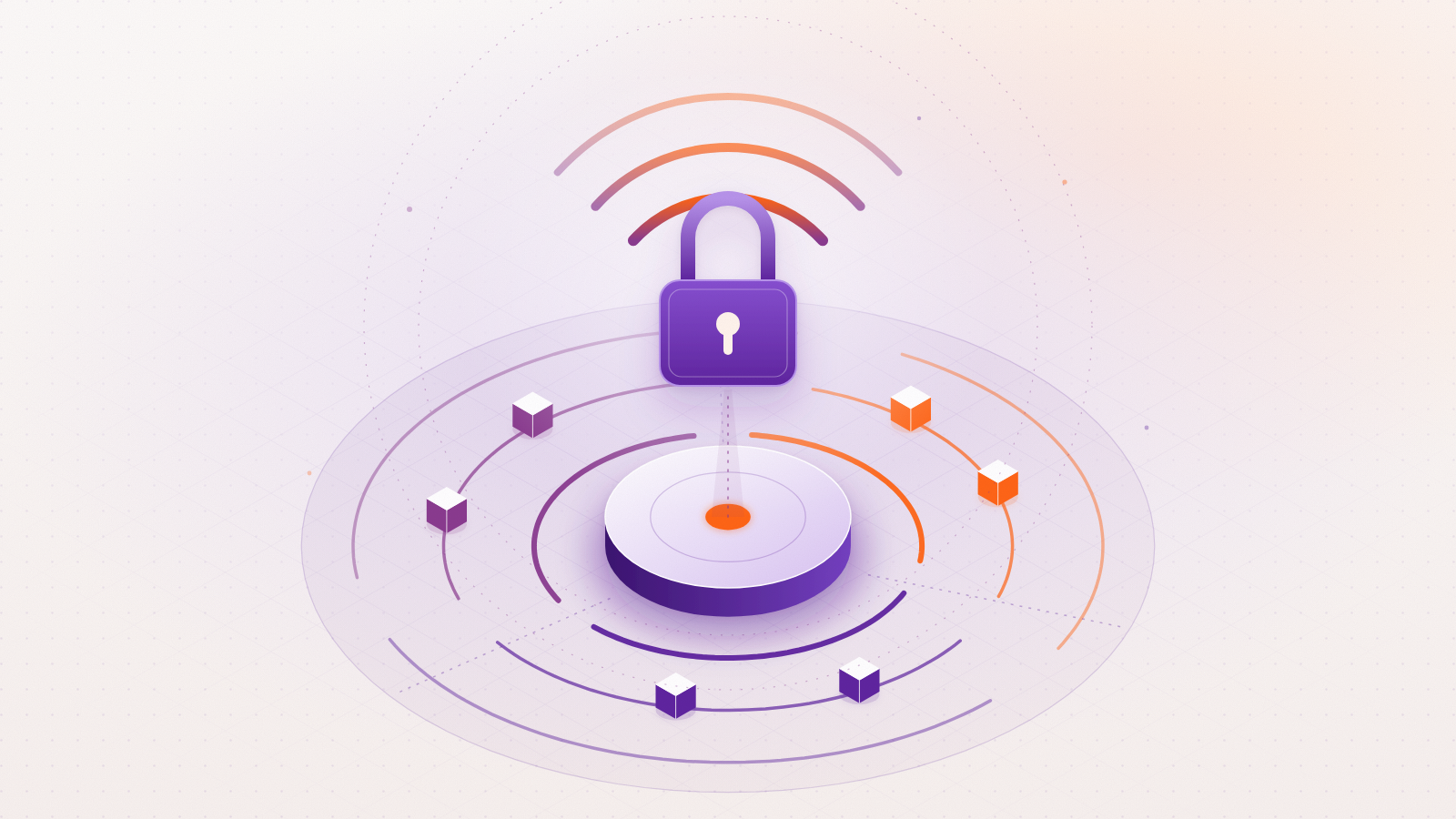
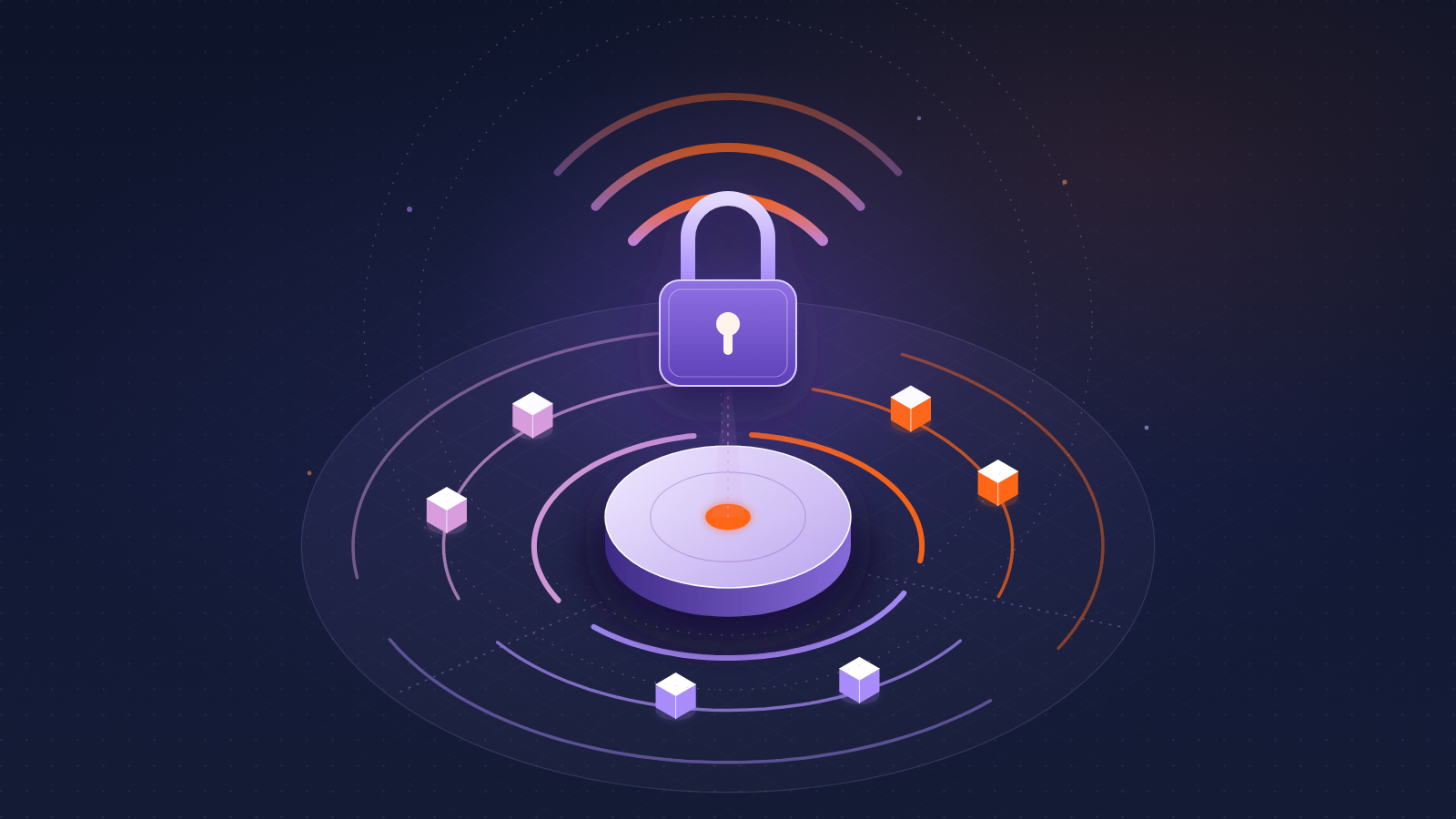
In most companies Wi-Fi has become the main way of connecting: laptops, phones, printers, cameras, and visitors’ devices too. That is exactly why the wireless network is often also the easiest way in to business data when it is not configured well. The good news is that most of the important measures do not require expensive equipment, just proper configuration and a little discipline.
Why Wi-Fi is particularly exposed
A wired network ends at the office wall. A Wi-Fi signal passes through walls and reaches corridors, car parks and neighbouring premises. Anyone within range can try to connect, guess the password or exploit a weakness in older protocols. That is why NIST, in its recommendations for wireless networks (SP 800-153), emphasises a standardised security configuration for all access points and the separation of networks with different levels of trust.
WPA3: the modern standard of protection
In 2018 the Wi-Fi Alliance introduced WPA3, the successor to WPA2. The most important changes for businesses are:
-
WPA3-Personal uses the SAE protocol (Simultaneous Authentication of Equals), which makes guessing the password considerably harder, including “offline” password attempts based on intercepted traffic;
-
WPA3-Enterprise is meant for networks where every user signs in with their own account, and it also offers a mode with cryptographic strength equivalent to 192 bits for more sensitive environments;
-
WPA3 networks always use protected management frames (PMF), which makes some disconnection attacks harder.
In practice, if the equipment and devices support it, WPA3 should be the default choice. When a company still has older devices without WPA3 support, a transitional mode (WPA2/WPA3) is often used, or those devices are moved to a separate network. This decision should be made deliberately, not left at the factory defaults.
A shared password or individual accounts
For a smaller office, a shared password (WPA3-Personal) can be enough, with a few rules:
-
the password should be long and unique, not the company name or a phone number;
-
the password should be changed when someone leaves the company;
-
employees should not share it with visitors.
In companies with more employees it is worth considering the Enterprise mode (802.1X), where everyone signs in with their own user account. Access for one person can then be revoked without changing the password for everyone else.
A guest network
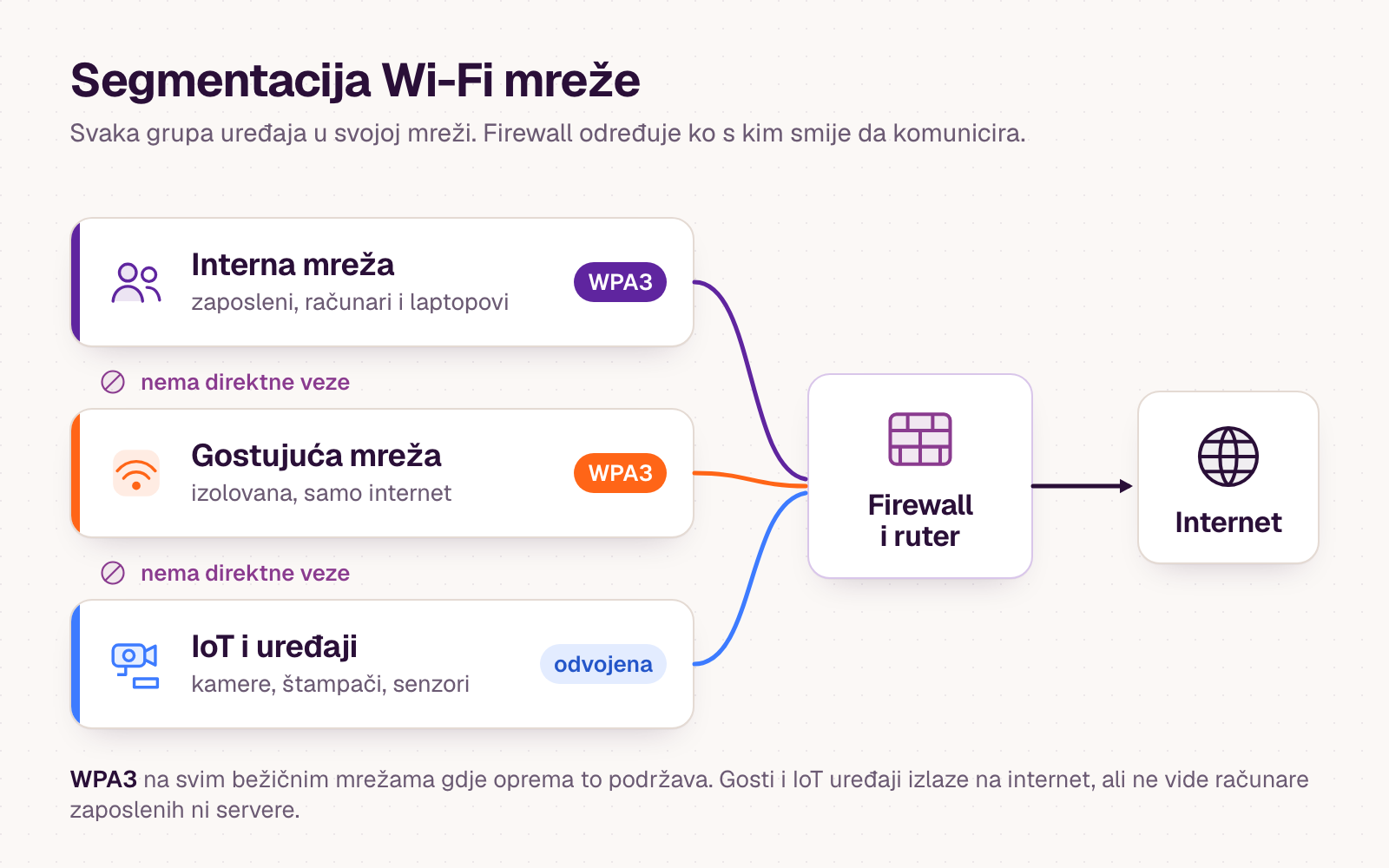
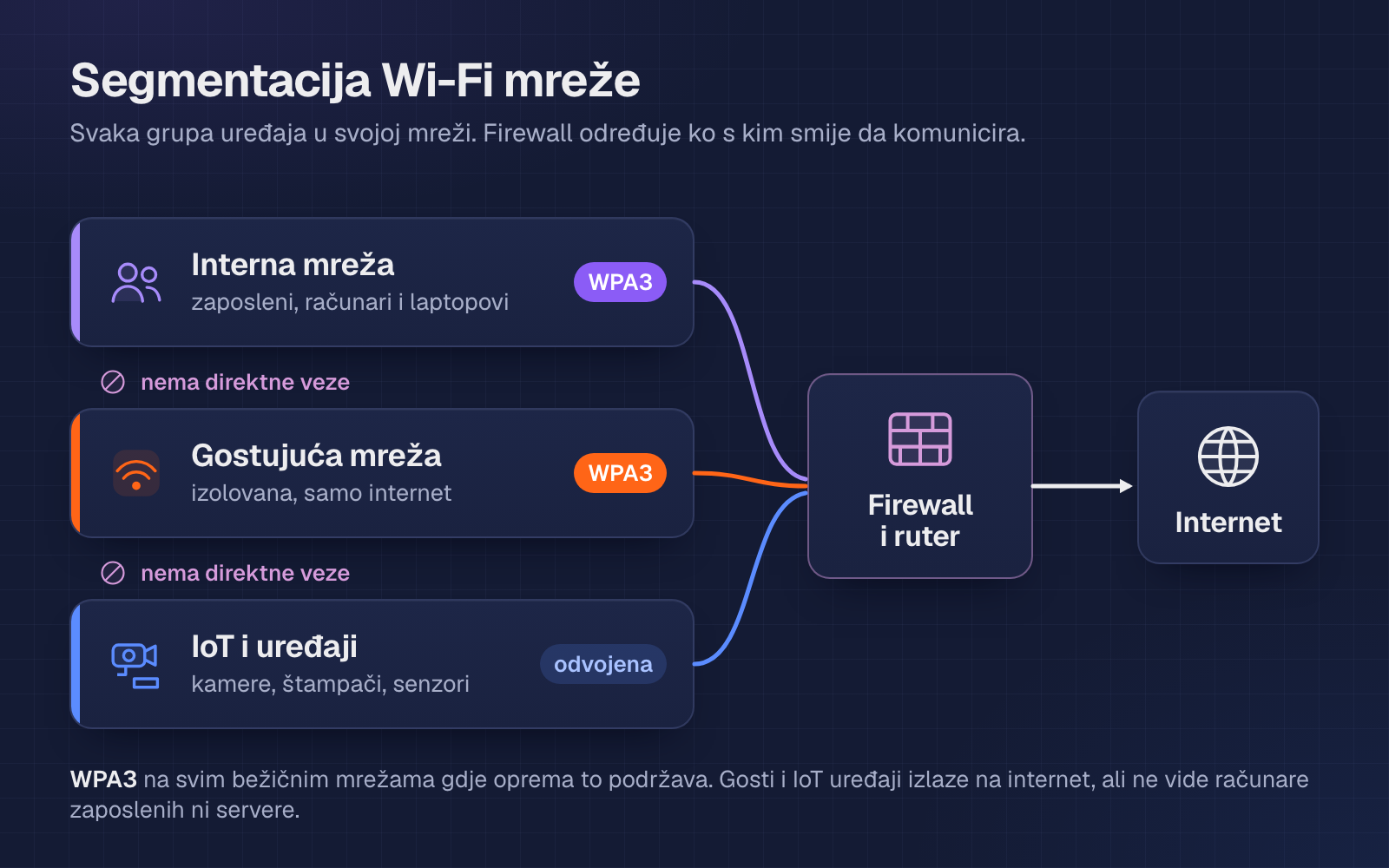
Visitors, clients and employees’ personal phones should not be on the same network as the server, the NAS and the accounting computers. The guest network should:
-
have its own name (SSID) and its own password or sign-in portal;
-
be in a separate network segment (VLAN) with access to the internet only;
-
have client isolation switched on, so guests’ devices cannot talk to each other.
Manufacturers of professional equipment support this directly. Ubiquiti’s recommendations for UniFi guest networks list exactly this combination of network isolation (separation from other VLANs) and client isolation. Similar features exist on MikroTik and Cisco equipment.
Segmentation: not everything has to share one network
The same principle applies inside the company. It is useful to separate at least a few groups of devices:
-
staff – computers and laptops with access to internal resources;
-
servers and storage – available only to those who need them;
-
VoIP phones – for call stability and quality;
-
cameras, printers and “smart” devices – which are rarely updated and should not see the rest of the network;
-
guests – internet only.
If one device is compromised, segmentation limits how far an attacker can get. The rules about who may talk to whom are configured on the router or firewall.
Switch WPS off
WPS (Wi-Fi Protected Setup) is a “simple connection” feature using a PIN or a button. As early as 2011, CERT/CC reported that the WPS PIN is vulnerable to guessing attacks, because by design the number of attempts needed comes down to only about 11,000. The recommendation is to switch WPS off in the router or access point settings.
Managing and updating the equipment
Network security does not end with setting a password:
-
protect administrator access to routers and access points with a strong password and do not leave factory accounts in place;
-
the management interface should not be reachable from the internet or from the guest network;
-
regularly install the firmware fixes the manufacturer publishes;
-
keep a record of the equipment, locations and settings, so changes stay traceable.
Checklist
-
WPA3 is used wherever the equipment and devices support it.
-
The password is long, unique and changed when someone leaves the company.
-
Guests are on a separate network with internet access only and client isolation switched on.
-
Servers, cameras, printers and phones are in separate segments.
-
WPS is switched off.
-
Factory administrator passwords have been changed.
-
Equipment management is not reachable from the internet or the guest network.
-
The equipment’s firmware is up to date.
How we can help
Network design and the configuration of Wi-Fi, guest networks, VLAN segmentation and firewalls are part of our network administration service. If you would like us to review your existing network or you are planning a new one, write to us.