
Network administration
A stable and secure business network: design, routers, switches, VPN, Wi-Fi, firewall, monitoring and troubleshooting.
- Network design
- Router configuration
- Switch configuration
- Wi-Fi
What it includes
Network design
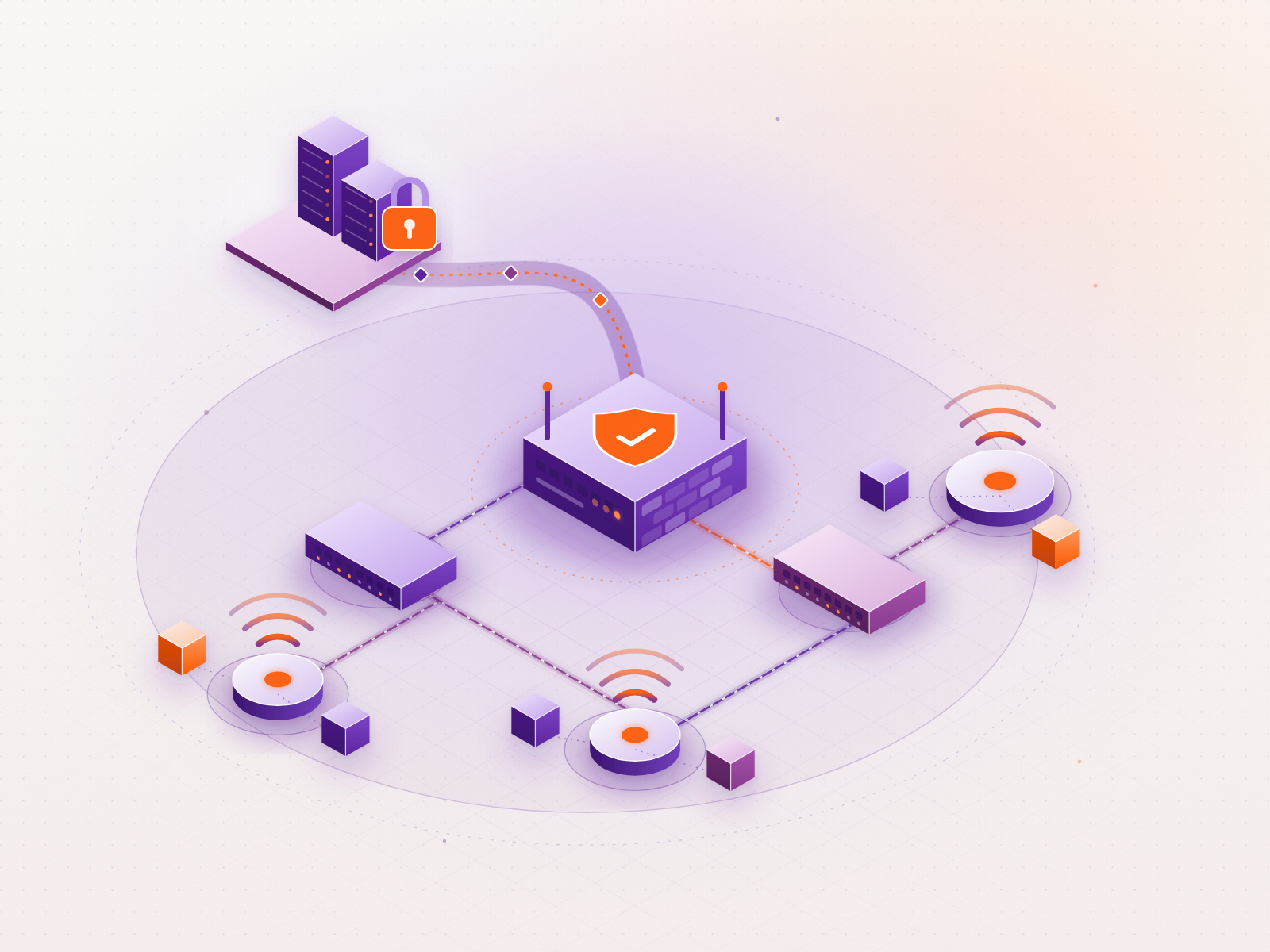
Planning the network around the premises, the number of users and the way you work, from equipment placement to splitting the network into logical segments.
Router configuration
Setting up the internet connection, traffic routing and basic protection on routers, tailored to your network.
Switch configuration
Configuring switches and separating the network into segments (VLANs), so traffic stays orderly and controlled.
Wi-Fi
Planning and deploying a wireless network for staff and guests, with centrally managed access points.
VPN
Secure access to the business network from remote locations or from home, over an encrypted connection through the internet.
Firewall
Rules that determine which traffic is allowed, protecting the network from unauthorised access.
Monitoring
Tracking the operation of network equipment and links, so problems are spotted and resolved based on real data.
Troubleshooting
Finding and removing the causes of slow internet, dropped connections and other disruptions in the network.
When the network misbehaves, almost everything stops: e-mail, access to the server and shared documents, business software, phones, and internet for staff and guests. In many companies the network grew gradually, device by device and without a plan, so it is hard to tell where a problem starts and how everything is connected. Network administration means the network is planned, configured and maintained as a whole, so it stays stable, secure and ready for changes in the business.
What you get
-
A network planned for your needs. The placement of equipment, cabling and wireless coverage is planned around your premises and the way you work.
-
Well-planned Wi-Fi. A wireless network for staff and, where needed, a separate network for guests, with central management.
-
Secure remote access. A VPN gives employees and other locations protected access to the business network over the internet.
-
Protection and segmentation. A firewall and splitting the network into segments (for example staff, guests and devices) limit who can reach what.
-
Easier troubleshooting. Monitoring and tidy, documented configuration make it easier to find the cause when something stops working.
How we approach the work
-
Conversation and review of the existing network. We establish what you have, what is not working as it should and what you need.
-
Solution proposal and quote. We propose the network design and equipment. The price depends on the size of the premises, the number of users and the chosen equipment.
-
Implementation. We install and configure routers, switches, access points and protection, and schedule the work to disrupt your business as little as possible.
-
Maintenance and support. By agreement we monitor the network, keep the equipment updated and fix problems as they appear.
Technologies and equipment
In real-world projects we work with equipment from MikroTik, Ubiquiti UniFi, Cisco and Grandstream. The choice depends on the size of the network, the requirements and the budget; the goal is a solution that is clear and easy to maintain and extend.
If you already have network equipment, we first assess what can be kept and configured better, and propose new equipment only where it is genuinely needed. The same applies to extensions, such as a new floor, a warehouse or an additional location that needs to be connected to the head office.
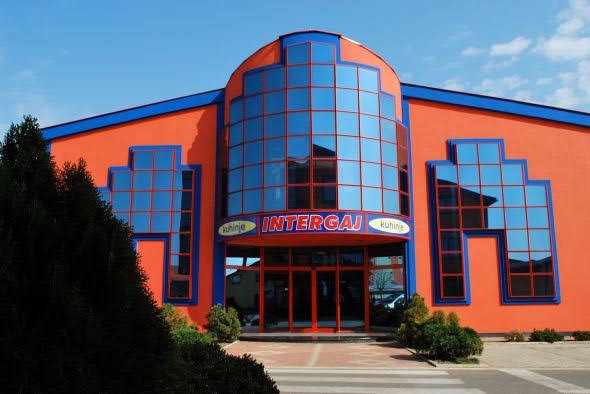
See examples from practice, including UniFi networks for Semberski salaš and Hotel Intergaj and network administration for Intergaj d.o.o., in our references.